





Dyslexia Friendly Schools
Introduction
Special thanks go to schools who offered to share their good practice in the form of images and case studies for the books All About Dyslexia and this website:
Zouch Academy and Nursery Tidworth, St. Joseph and St. Bede RC Primary School Bury, and Wilshere Dacre Junior Academy, Hitchin.
You can read their full stories in All About Dyslexia
You can also find a wealth of resources to support you in my learning resource library. The good news is that these strategies and resources work for all learners, not just dyslexics!
Look out for visual examples
Hover over the text where you see this icon and you will find photographic examples to demonstrate some dyslexia-friendly best practices.



Dyslexia Friendly Schools: the physical environment
You can learn a lot about what really matters to a school by experiencing its environment.
For a quick overview and self-evaluation tool, have a look at my dyslexia friendly learning environment checklists.
Download Checklist
Dyslexia Friendly Learning Environment Checklist for Primary Schools
Download Checklist
Dyslexia Friendly Learning Environment Checklist for Secondary Schools
Tips for classrooms & seating
- Ensure classrooms are well-lit and there is adequate space for learners to write and read in comfort.
- Check height of tables and chairs.
- Left-handers need space to their left; avoid seating them with right-handers on their left.
- Sit dyslexic students within the teacher’s peripheral vision so they can pick up on the non-verbal communication.
Tips for display
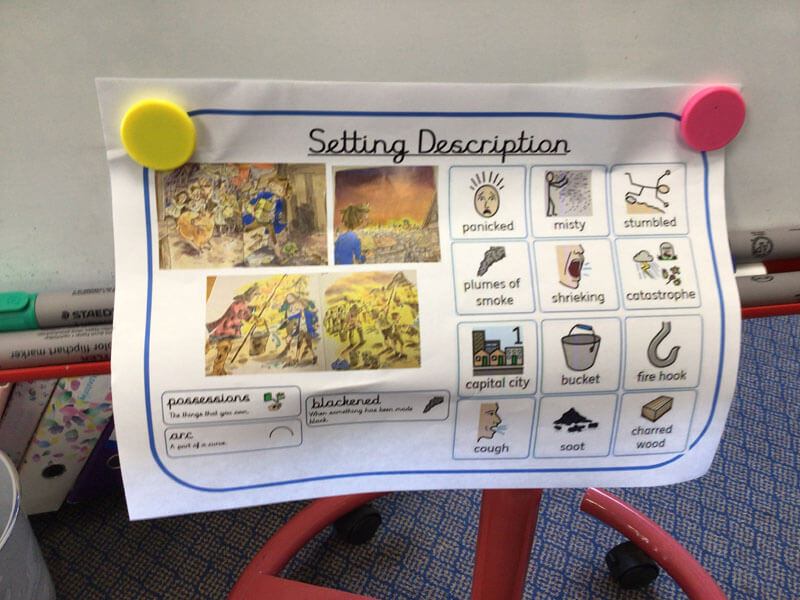
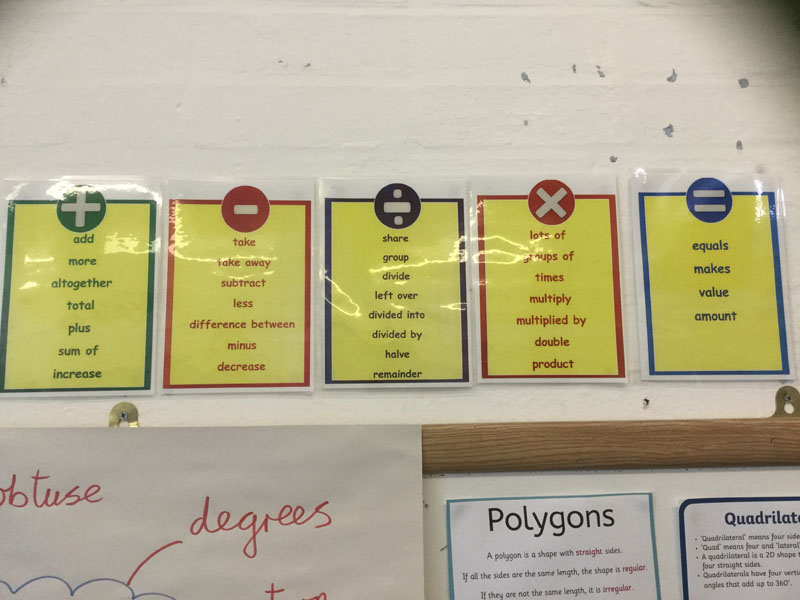
- Check visibility, especially key words/spellings and information regularly needed.
- Avoid black on white.
- Include handwriting, as well as typeface, in display.
-
Use fonts consistently. Look for fonts which are clear and easy for all children to read.
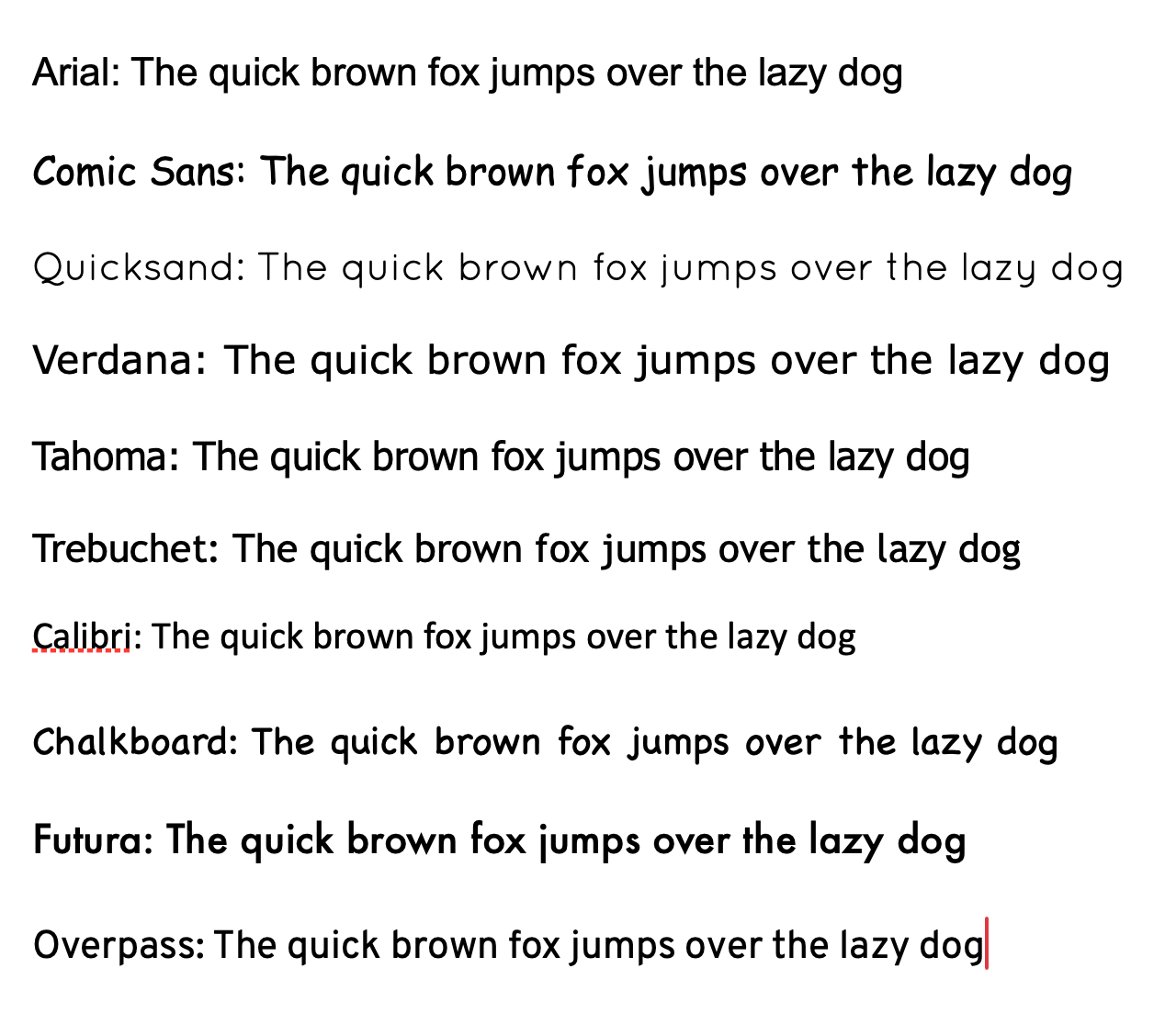
Other examples not featured here include Century Gothic, Sassoon, Imprima and Open Sans
-
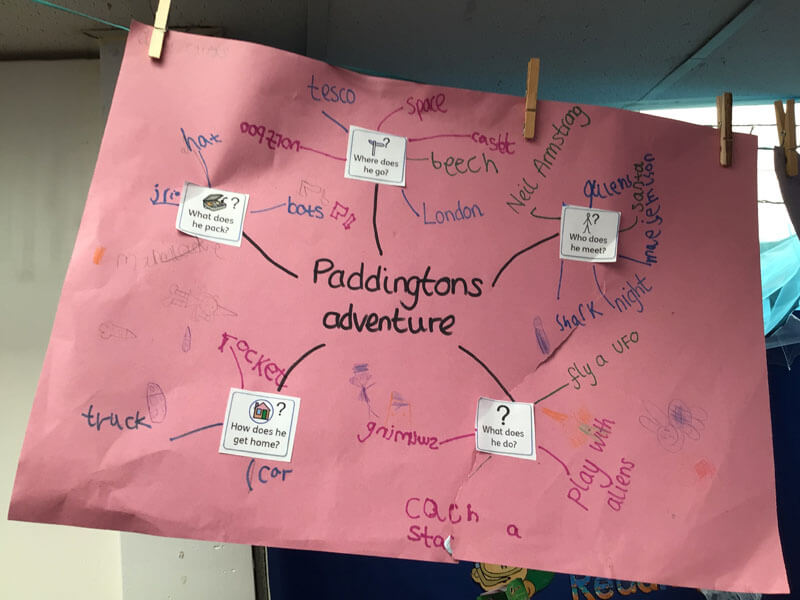
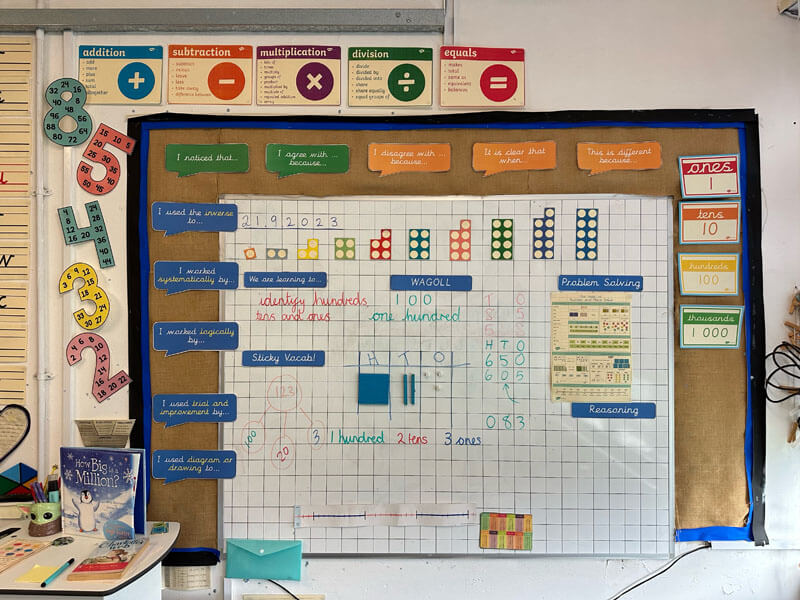
Ensure that your displays demonstrate work in progress as well as end products.
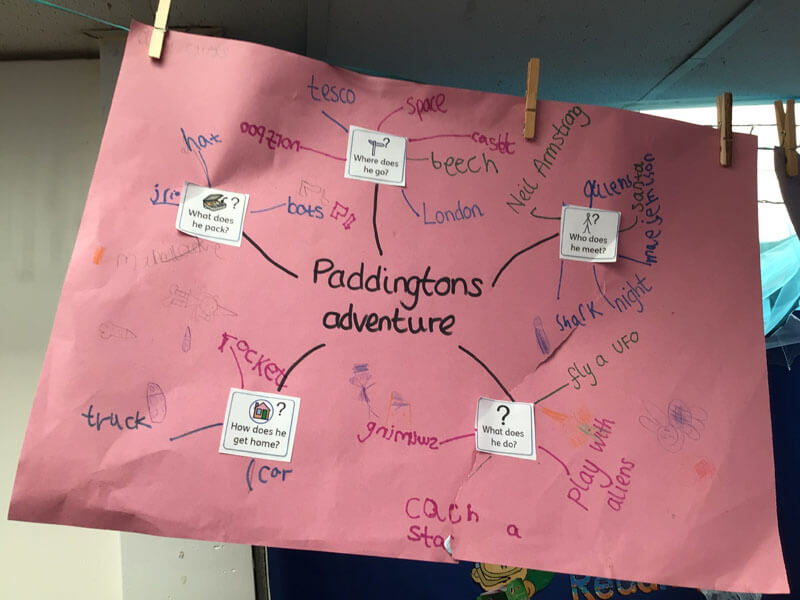
Display planning and editing as well as finished products, and show examples of note taking and study skills, e.g. highlighting, mind-mapping, bullet points (Image from Zouch)
-
Use a variety of methods of recording in your display e.g. sound bites, images, concrete materials, mind-maps.

Use a variety of methods of recording in your display e.g. sound bites, images, concrete materials, mind-maps (Image from St Joseph & St Bede)
-
Displaying visual timetables is good practice for everyone! Make sure they are age appropriate and visible.
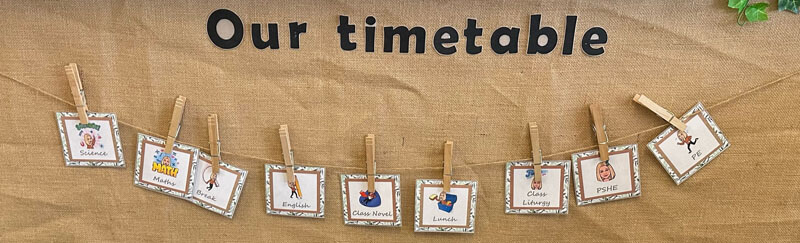
Example 1 from St Joseph & St Bede
-
Displaying visual timetables second example.
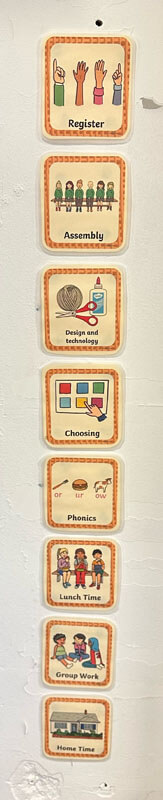
Example two, from St Josephs & St Bedes School
-
Displaying visual timetables third example.
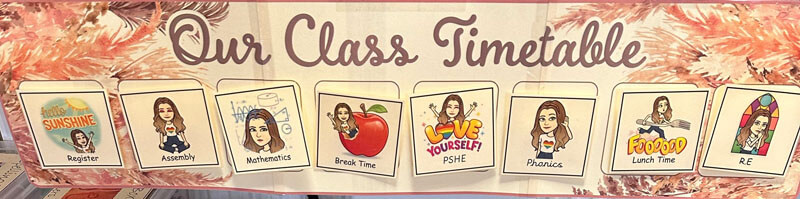
Visual Timetable 3rd example (St Joseph & St Bede School)
-
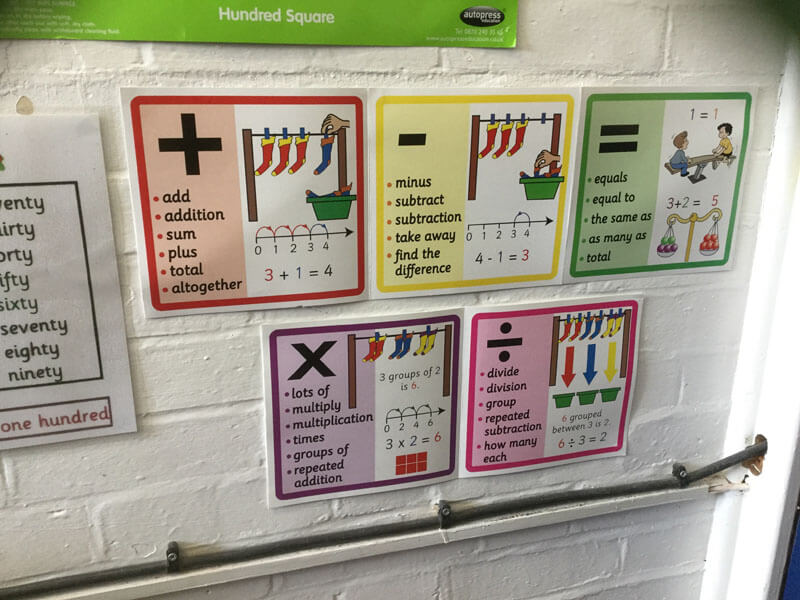
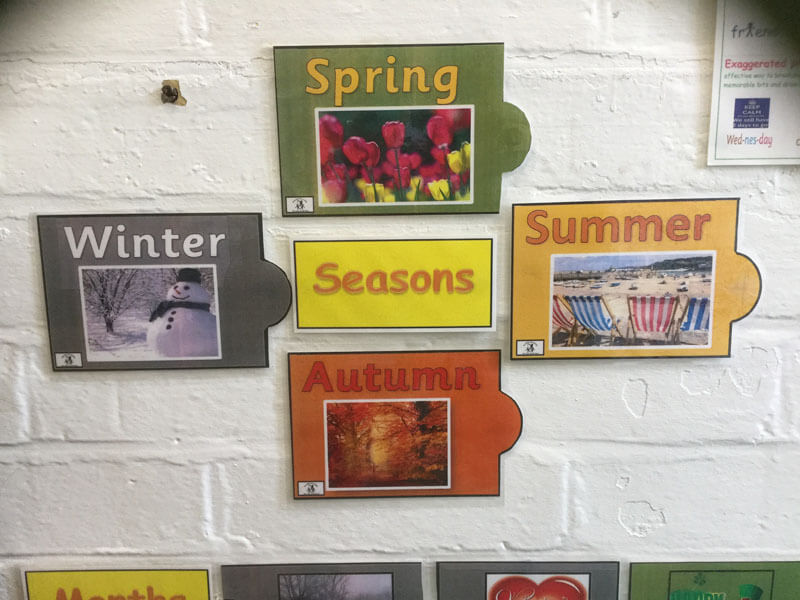
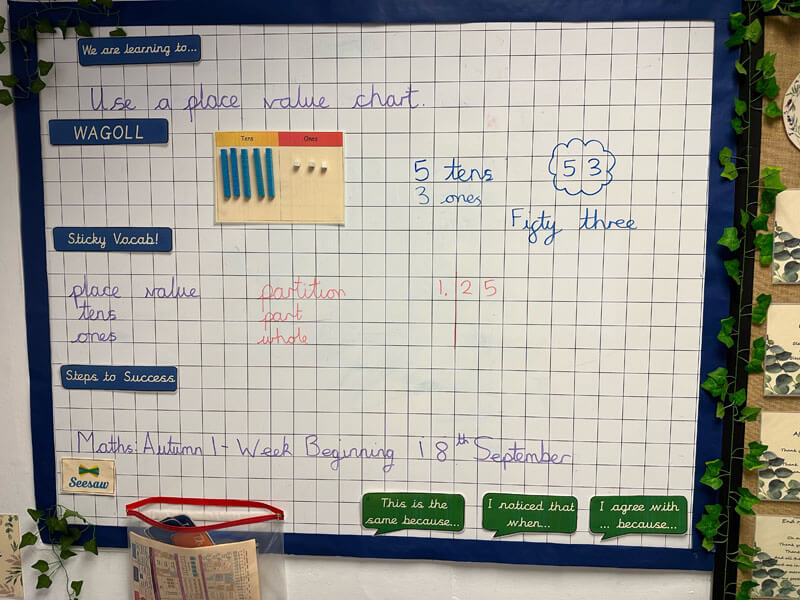
Display spellings that pupils need regularly, ideally on table top aids as well as walls. This includes the "little", common words that are often tricky for learners with dyslexia.
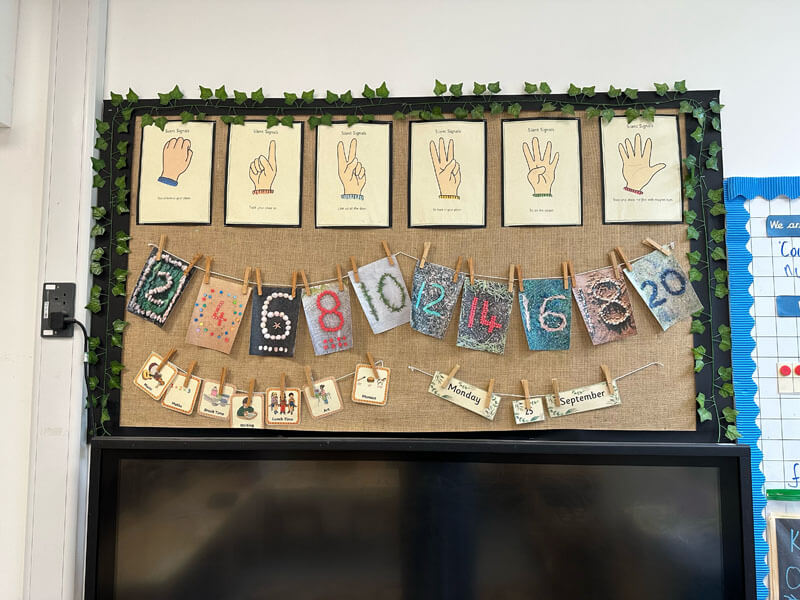
Display days, months, and seasons sequentially (image from Wilshere Dacre)
-
Use of sound mats and phoneme-grapheme correspondence is important, but remember that some learners throughout the primary phases struggle with alphabetical order, letter names and letter formation as well.
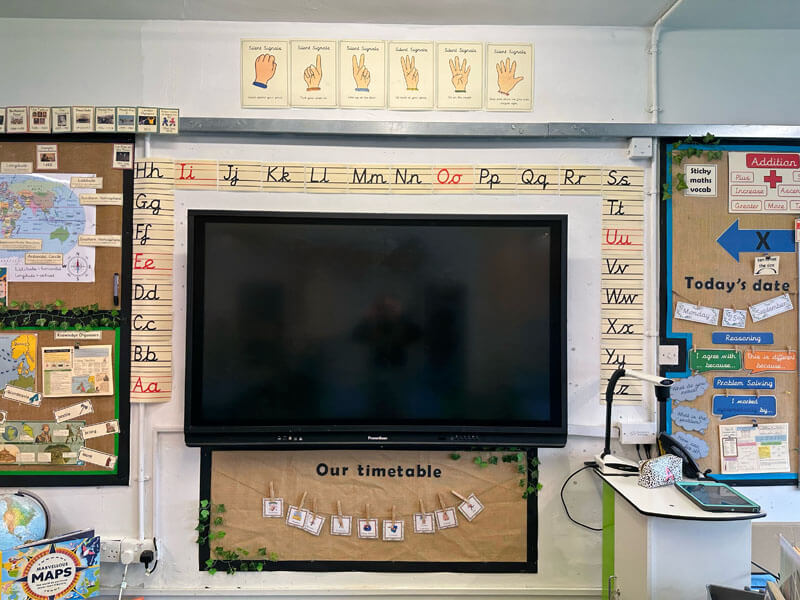
Display the alphabet (lower and upper case). Ideally use the letter formation you ask your children to use (images from St Joseph & St Bede).

Display the alphabet (lower and upper case). Ideally use the letter formation you ask your children to use (images from St Joseph & St Bede).
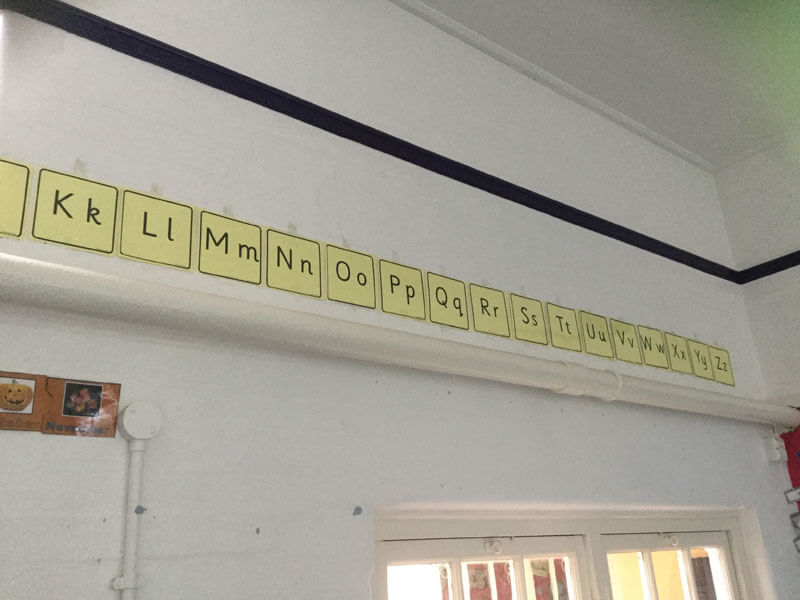
For older learners, this can be done in an age appropriate way (image Wilshere Dacre).
-
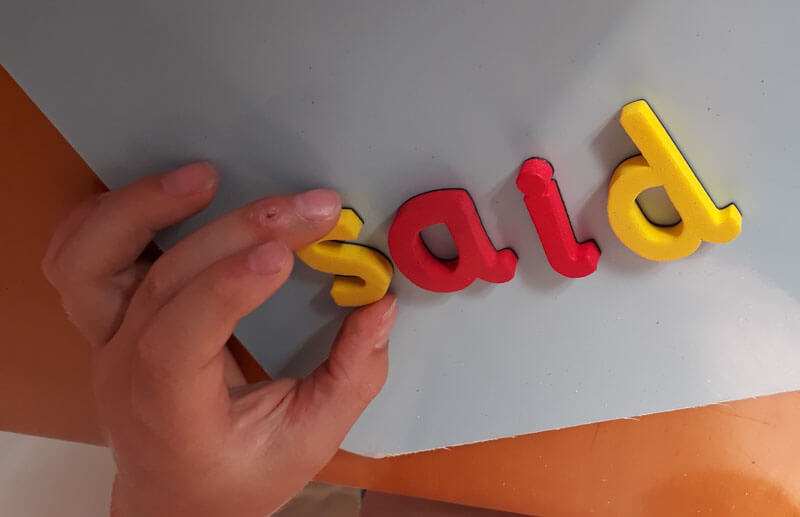
Display key words (including high frequency words). Remember that learners across the age span may still struggle with common high frequency words like for, said, their.
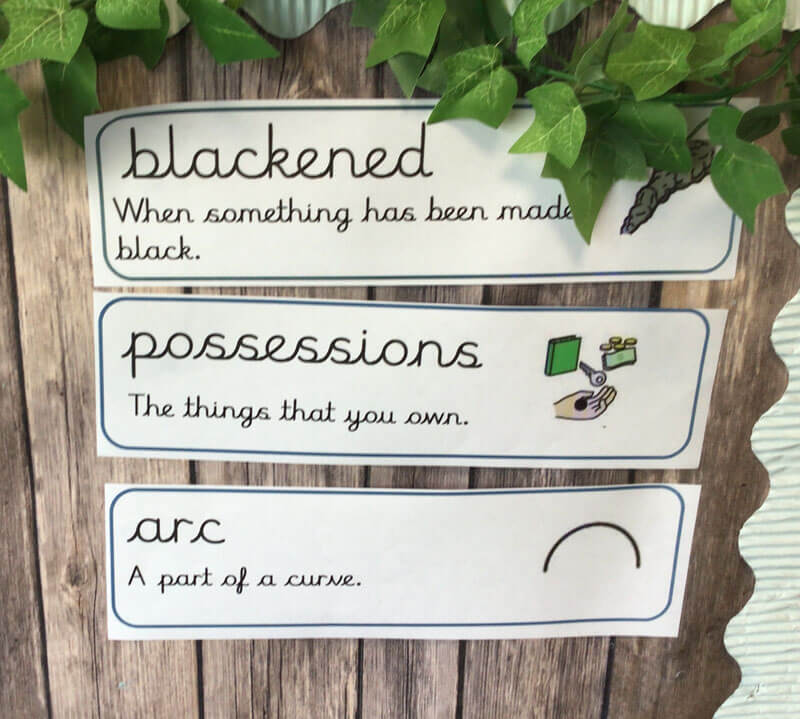
Display topic words (image from Zouch)
Tips for supporting visual difficulties
Some learners have difficulty with visual skills, e.g. the glare of black text on white and difficulty with tracking text. (NB visual difficulties are not the same as dyslexia).
- Avoid black text on white; the colour of the paper or screen is less important (unless a qualified optometrist has recommended specific accommodations).
- If laminating, use matt pouches for display to avoid glare.
- Set the whiteboard screen to an off white background: grey, cream or a pastel colour, and follow suit with computers and devices.
- Space out text well on display and in learning.
-
Where possible, print onto pastel/cream/grey paper or use a dark coloured font instead of black (e.g.navy, dark green, dark brown).
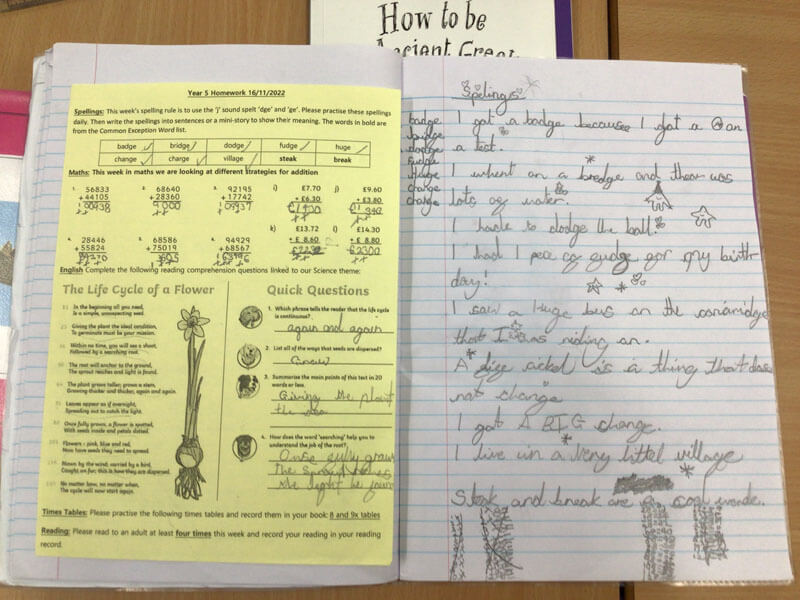
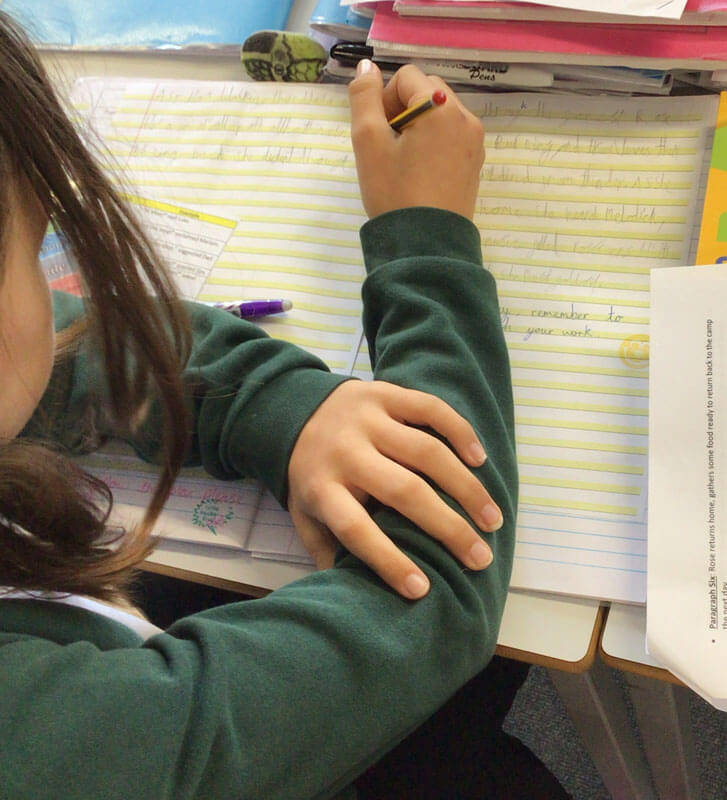
It’s ideal to seek out optometrist advice for individual pupils with visual problems, but avoid the glare of black text on white paper by printing onto cream or pastel, and using paper that is off white *image from Zouch).
- In display, ensure words are spaced well. Avoid underlining and italics, which cause overcrowding, but use bold, highlighting or different colours for emphasis. Avoid using all uppercase letters for continuous text on display.
Dyslexia Friendly Schools: Teaching, Learning & Resources
Being dyslexia friendly is fundamentally about high quality teaching and learning. These strategies are great for all learners! For an overview to enable you to audit your teaching and learning, take a look at these checklists for primary and secondary practitioners
Download Checklist
Dyslexia Friendly Teaching & Learning Checklist for Primary Schools
Download Checklist
Dyslexia Friendly Teaching & Learning Checklist for Secondary Schools
Tips for dyslexia-friendly resources
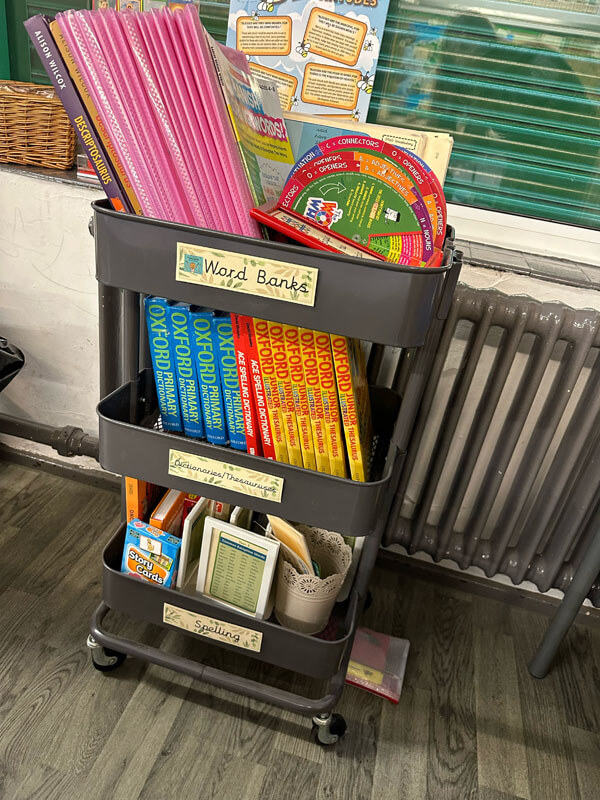
- Provide help sheets, word banks and handouts for key information that is written on the board or spoken and needs to be remembered.
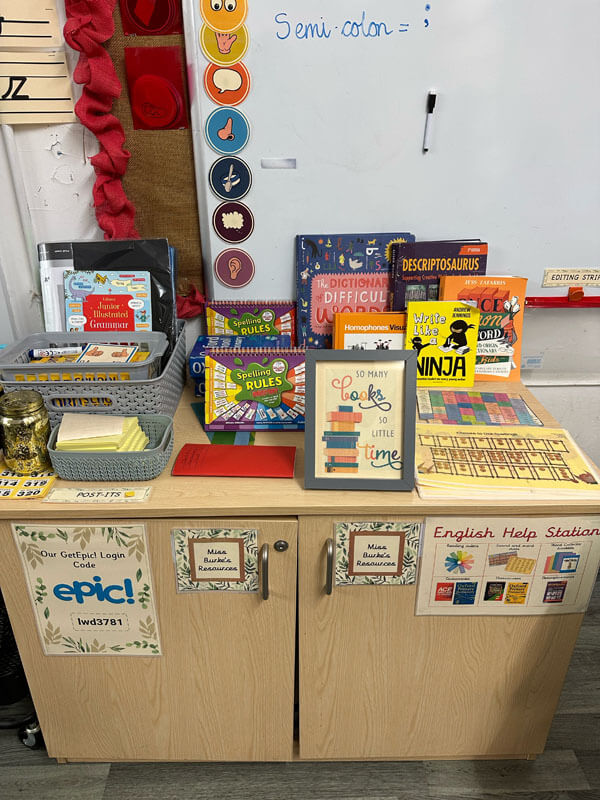
- Make resources available for taking notes; e.g. post it notes, sticky labels, highlighter pens, note pads and mini-whiteboards.
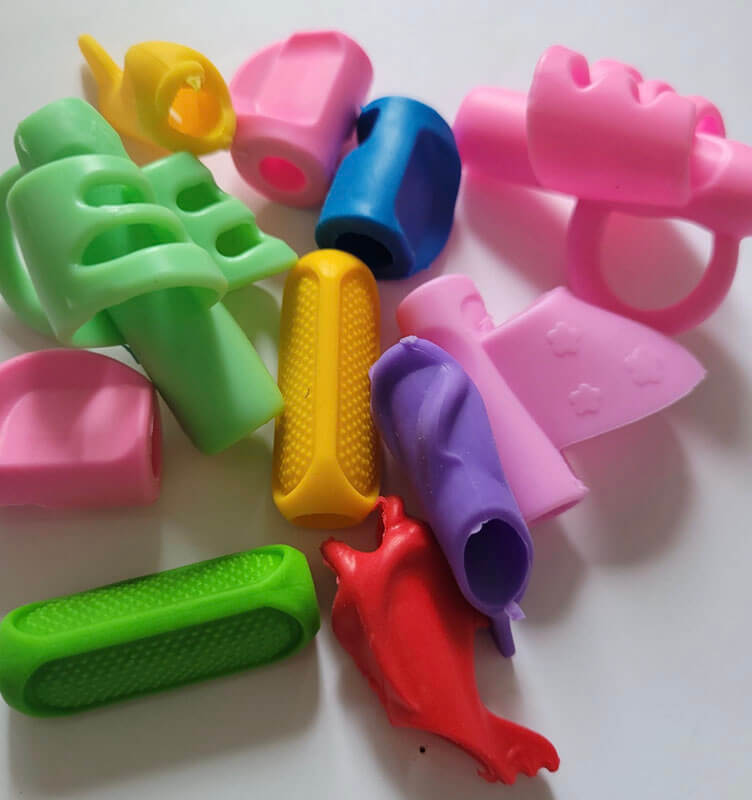
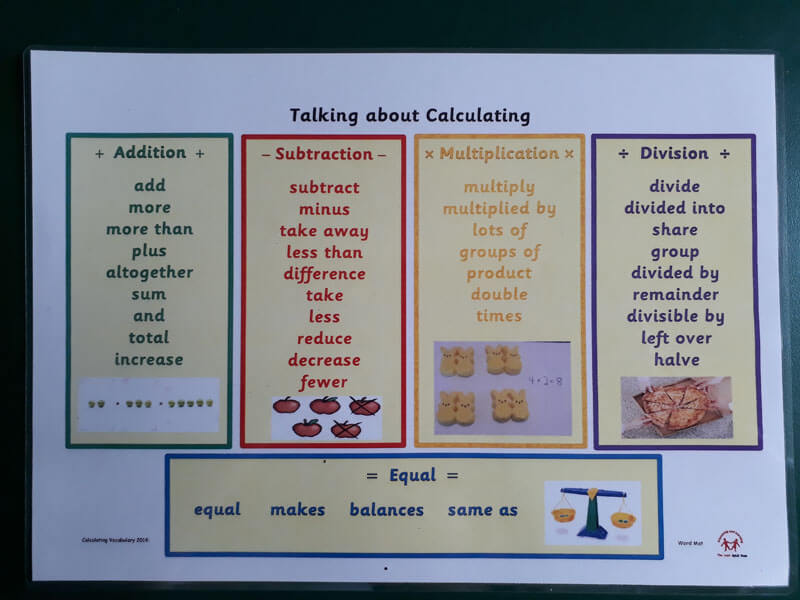
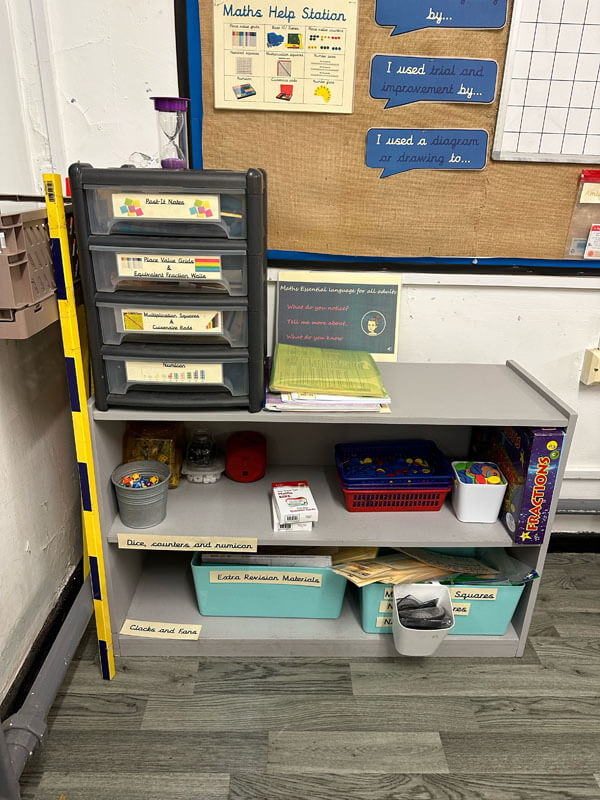
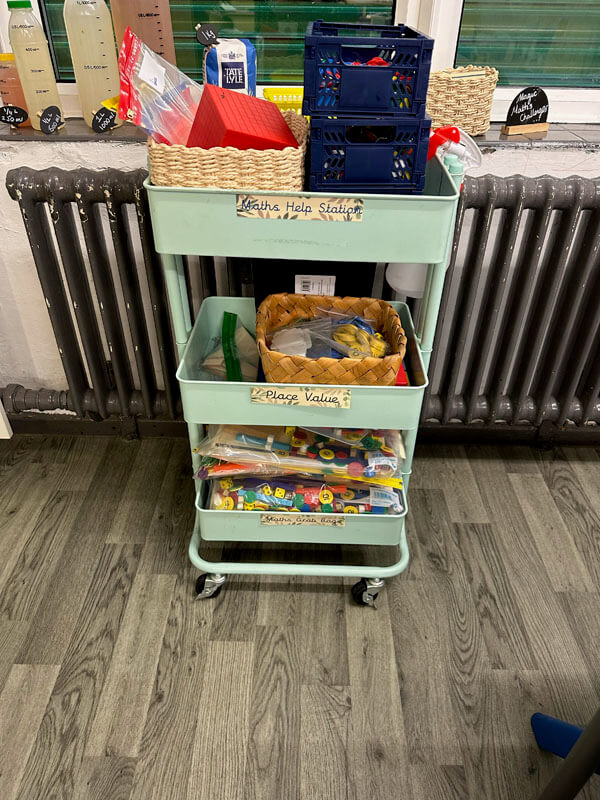
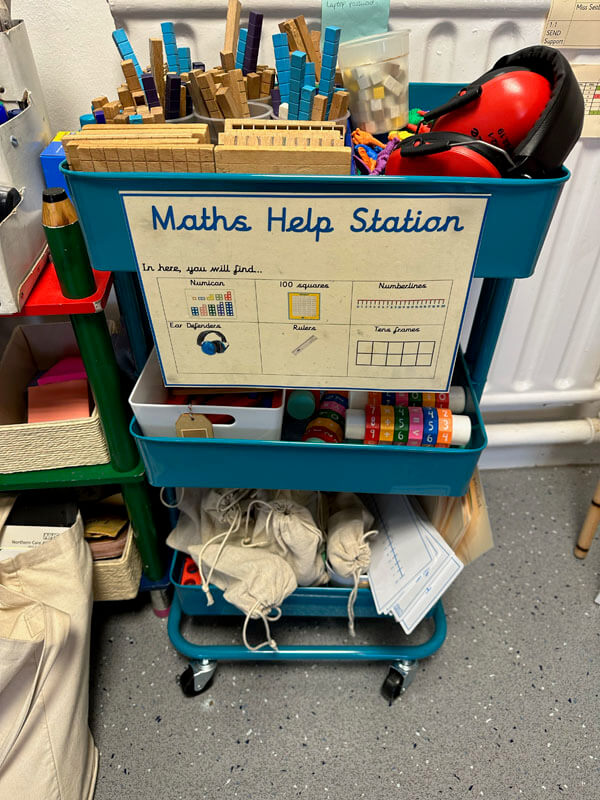
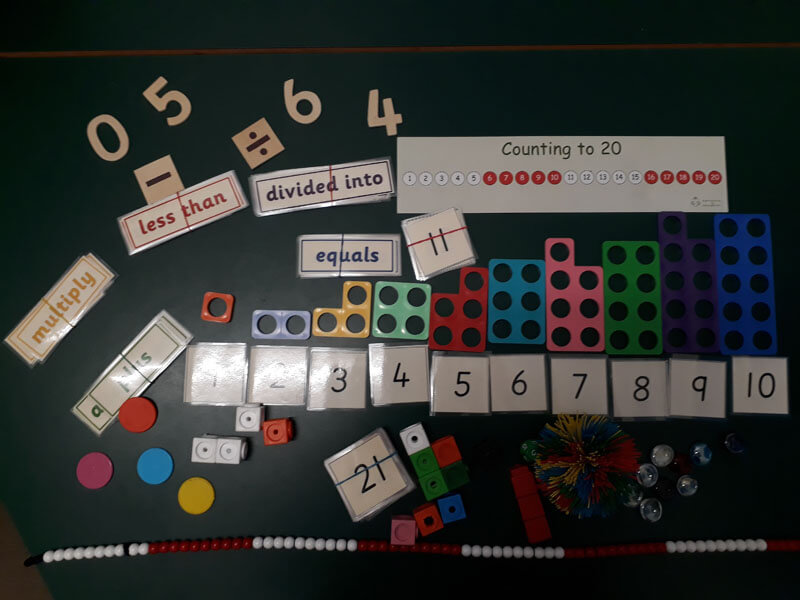
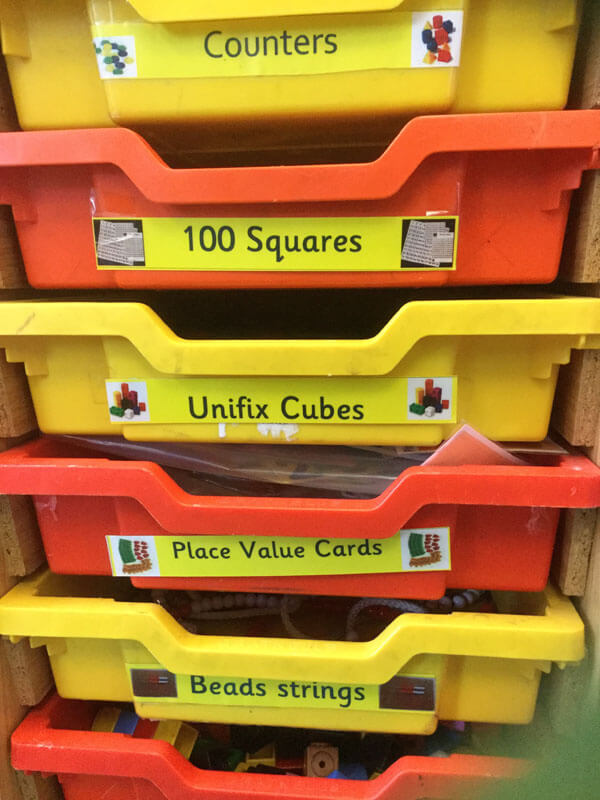
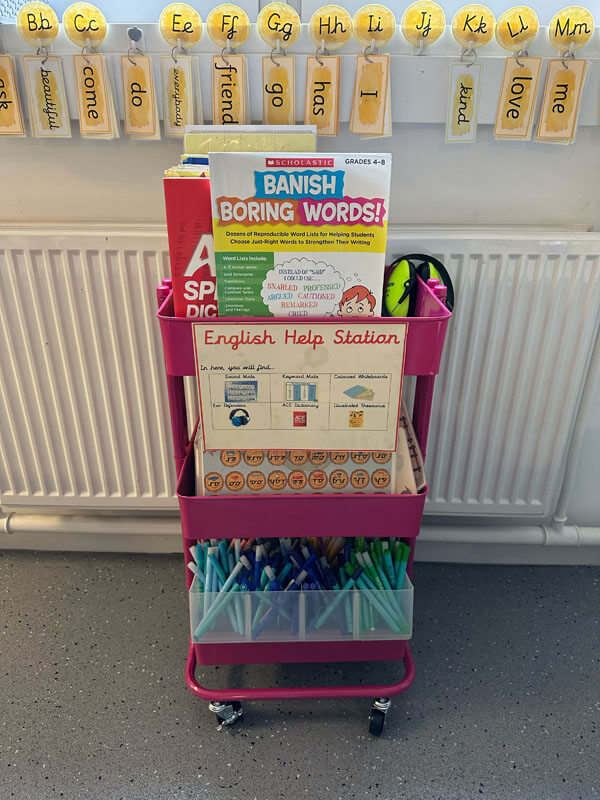
- Provide concrete and multi-sensory resources, either as individual learning packs, table top resource banks or class help stations, where resources are available.
- Offer video clips of target skills, eg how to do the grid method in multiplication.
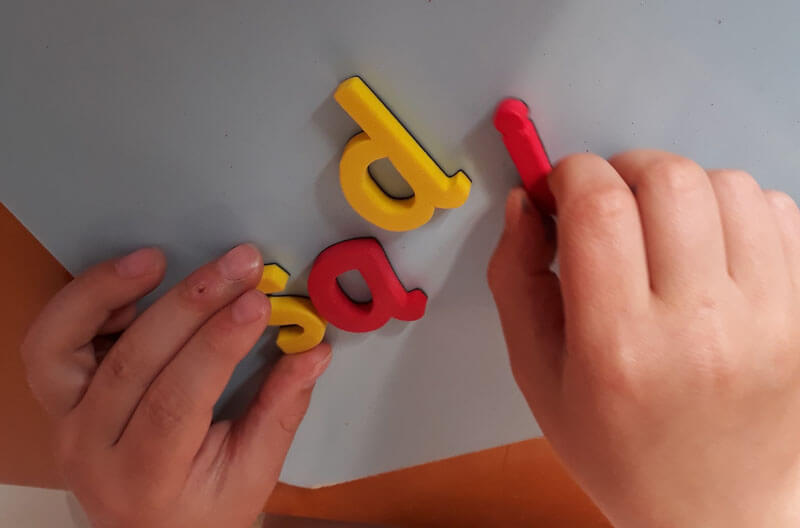
- Desktop re-usable phoneme frames, b/d cue cards, alphabet strips, word banks with days and months, key words.
- Ensure that dictionaries are at appropriate stages for your learners.
Dyslexia Friendly Schools: The virtual space
The virtual learning environment has the potential to trailblaze the ideal world where we do not measure success by reading and writing.
Tips for a dyslexia-friendly website
Websites which are dylexia-friendly use:
- Use clear, legible font.
- Avoid black on white.
- Present text clearly, and well spaced out.
- Use a variety of media, e.g. graphics, video and audio files.
- Offer accessibility features e.g. reading mask, reading guide, text magnifier, enlarge text, text to speech, content scaling (where text can be enlarged), background colour adjustment, highlight titles, highlight links, increase letter spacing, increase line height, big cursor. Examples of these can be found on this website 🙂

Tips for learning platform use
An online learning platform can be extremely effective in developing independence and removing barriers to learning.
-
Provide films or audio files of instructions. QR codes can be very helpful here.
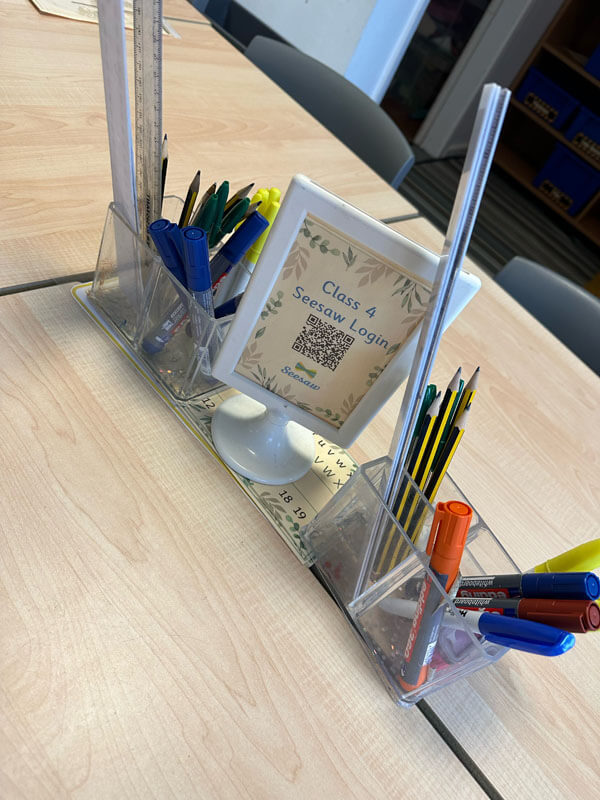
Use QR codes to support children’s independence in using learning platforms and websites (image from St Joseph & St Bede).
- Put learning aids and examples of finished products on the platform.
- Use the platform to give feedback/marking on audio or video.
Tips for social media
Social media can be overwhelming for a learner or parent with dyslexia, but if done well it can be a lifesaver. Use social media to provide images and films to support what needs to be communicated.
Dyslexia Friendly Schools: Celebrating Neurodiversity
The learning environment can reflect values and support positive identity by reflecting diversity. Here are some tips.
- Include books and publications about dyslexia and neurodiversity.
- Include "higher level lower interest books" in your class displays and selections.
- Display learning aids, not just as a way of supporting learning, but to celebrate the way we learn and encourage metacognition. There are many examples of learning aids in my resource library.
- "This is how I learn" displays from different pupils with different strategies.
- "Thinking" displays reflecting how children went through the process of learning.
Download Resource
Download higher interest, lower level reading books catalogue

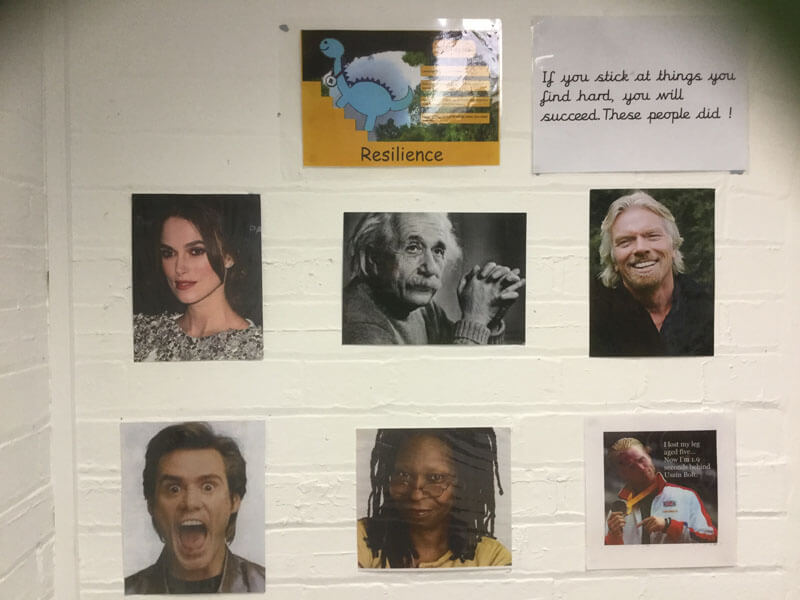
Image Gallery